
Troubleshooting Your Tech Problems: A Simple Guide
This week, let’s dive into how you can tackle your own tech issues.
Recently, I received an email from a reader facing a frustrating problem. They wrote, “My iPad, which usually works fine on my Frontier home Wi-Fi, has been constantly disconnecting from the internet. It switches between ‘connected’ and ‘not connected’ in just seconds. Even while I’m on Facebook, it shows messages like ‘connected to the internet’ or ‘working offline.’”
They also mentioned, “I’ve tried turning it off and on, but the problem keeps happening. I would appreciate any help to fix this annoying issue.”
Troubleshooting starts with breaking down the problem to its simplest parts to find out what’s really causing it. In this case, we need to figure out if the problem is with the Wi-Fi network or the iPad itself.
First, go to your Wi-Fi router and restart it. Unplug it from the power source, wait for about 10 seconds, and then plug it back in. While the router is rebooting, also restart your iPad. You might be surprised at how often a simple reboot can resolve tech problems.
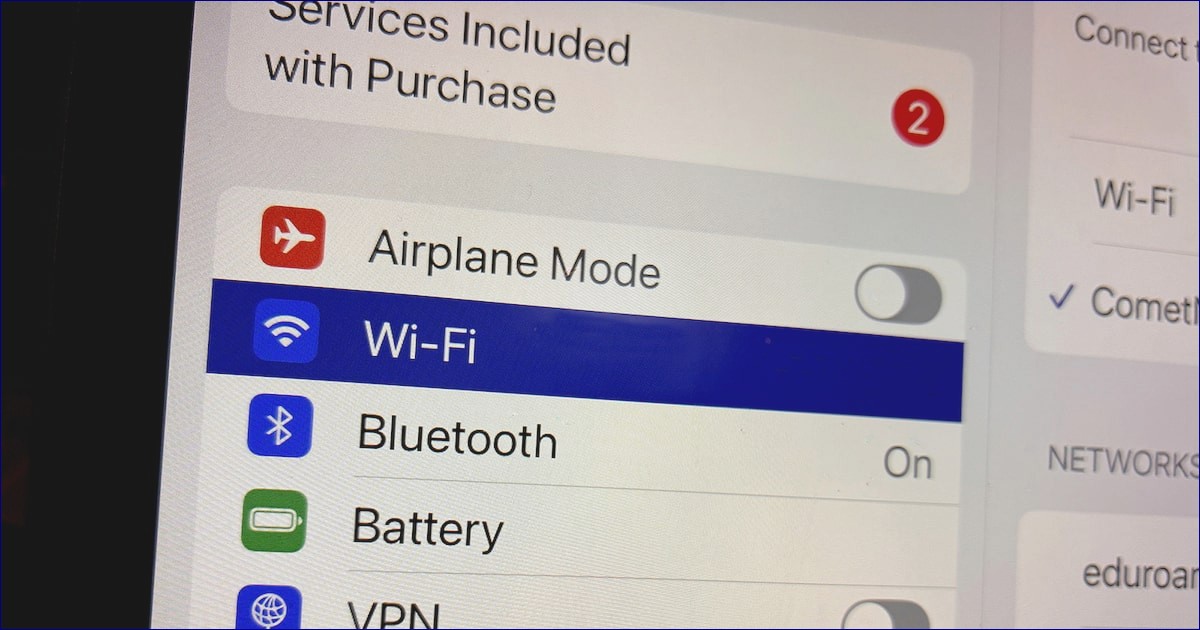
Next, on your iPad, go to the Wi-Fi settings, select your home network, and choose the option to forget that network. Then, reconnect and re-enter the password.
If the iPad is still having issues even when you’re close to the router, try connecting another device, like a smartphone or laptop. See if that device experiences the same Wi-Fi troubles. A simple test could be to start streaming a YouTube video on the new device and observe how it performs.
If multiple devices are losing connection, it’s likely the router is at fault. On the other hand, if the other devices maintain a steady connection, it could mean the issue lies with your iPad. Make sure it’s up to date with the latest software.
If the problem persists, take your iPad to another location with Wi-Fi, like a coffee shop or a friend’s house, and check if it connects smoothly there. Testing your device on a different network can help pinpoint whether the issue is with your iPad or your home Wi-Fi.
Should your iPad have issues on other networks too, it may be time to visit an Apple Store for a potential repair. Conversely, if it works fine elsewhere, consider upgrading your home Wi-Fi router. Adding a better router to your Frontier fiber modem is an easy solution. Depending on your home size, you may want a basic router or a mesh Wi-Fi system, which uses multiple points to provide strong coverage throughout your space.
For instance, I use an Eero mesh system, but there are other brand options available as well.
In summary, by systematically testing your devices and connections, you can identify the cause of your Wi-Fi issues and find a solution.
Jim Rossman is a tech columnist. You can reach him at jrossmantechadviser@gmail.com.
