
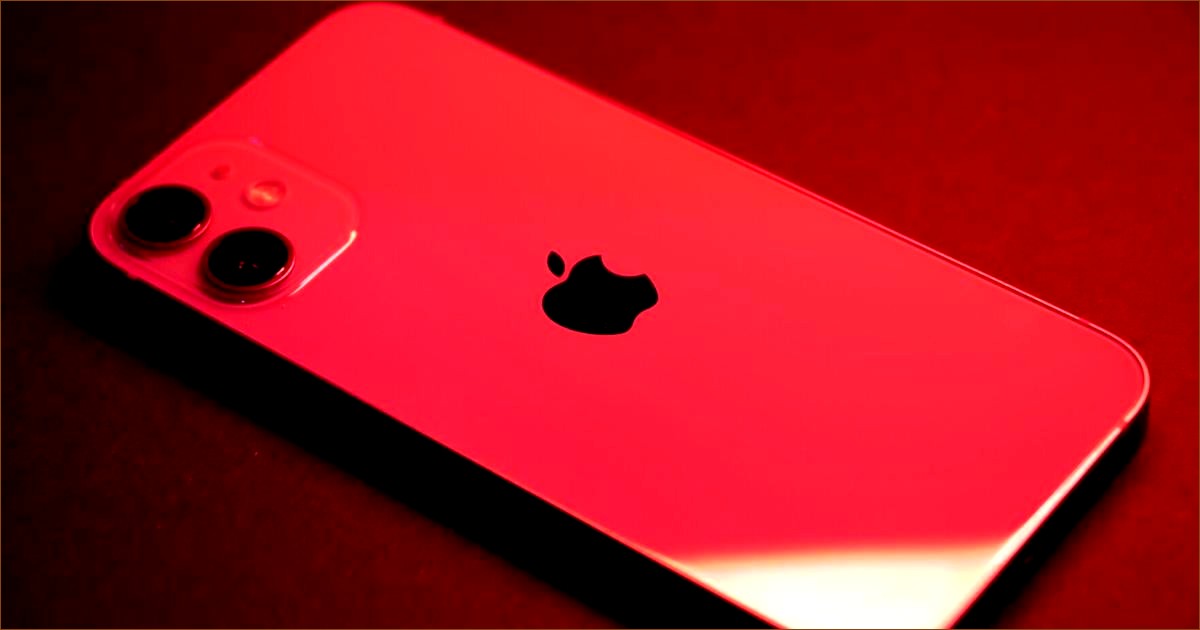
Why the Fourth of July is Tough on Smartphones
As you prepare for a fun-filled Fourth of July—gathering sunscreen, towels, coolers, and chairs—don’t forget about your smartphone. It’s likely one of the priciest items you’ll be taking to the beach, lake, or pool. According to Asurion, a leading company in smartphone protection, this holiday is notorious for causing damage to phones, from being lost to getting waterlogged.
The reason is simple: people are outdoors, often near water, and they’re busy with drinks, coolers, and kids. At some point, everyone wants to snap a picture—be it of the fireworks, the sunset, or friends enjoying the water. Unfortunately, that’s when many phones accidentally end up taking a dip.
Years ago, you might have felt uneasy about holding your phone near the water. However, most of us have become a bit too relaxed. Many newer smartphones are labeled as “water-resistant,” meaning they can handle splashes or brief contact with water. But it’s essential to remember that being water-resistant doesn’t make them waterproof. This means they aren’t safe from potential mishaps like falling in a pool or a lake.
Asurion notes that claims for water damage spike during this holiday. Additionally, reports of cracked screens and lost phones are common. To ensure your phone stays safe this Fourth of July, consider these simple steps:
-
Backup Your Data: Use cloud services like iCloud or Google Photos to save your important files. This way, if your phone is lost or damaged, you won’t lose your cherished memories.
-
Use a Waterproof Pouch: If you’ll be around water, keep your phone in a waterproof case. Some pouches even float, making it easier to retrieve your phone if it accidentally falls in.
-
Check for Damage: Before heading out, inspect your phone for cracks. Even the smallest crack can hurt its water resistance, especially in humid summer conditions.
If your phone does get wet, stay calm. Avoid plugging it in right away. Instead, gently shake it with the charging port facing down to dislodge any water, then place it in a dry area with good airflow. If you have an iPhone, consider using the Water Eject feature, which can help clear water from the speaker.
The simplest advice is often the best: take your pictures and then keep your phone in a safe spot. Enjoy the beauty around you, but remember that water can be a phone’s worst enemy.
